|
New Home
Please visit us at our new home. All content has been moved there. |
|
|
|
|
|
|
What is Inside an Icon On-Off Module Page 1
For this writeup, we chose to use an Icon On/Off module. This is the logical choice because most Insteon hackers are going to want On/Off functionality, and the Icon modules are the cheapest choice.
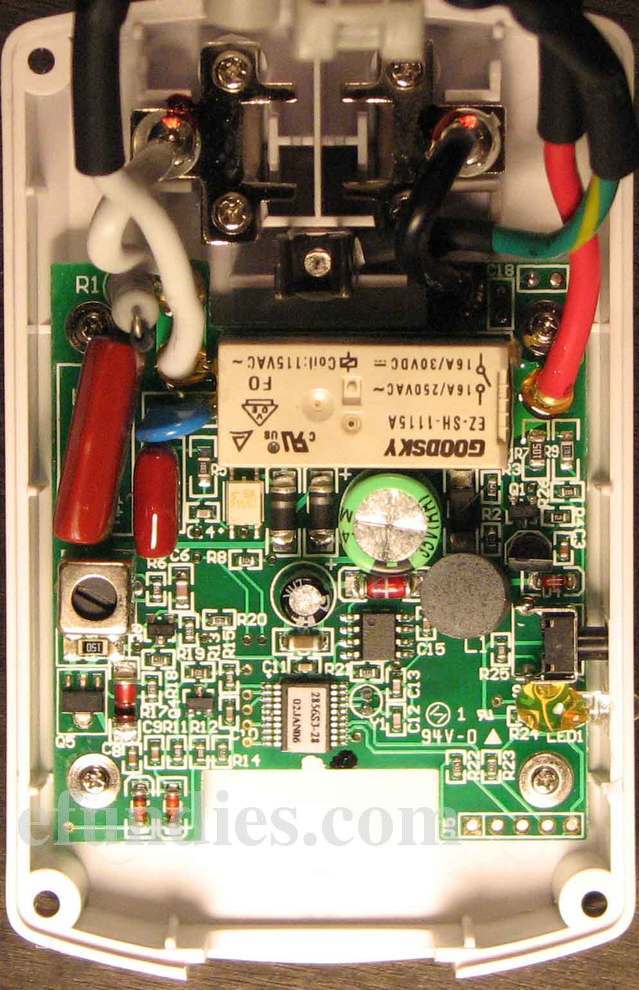
When you open up an Icon On/Off module, here is what you see. Click here or on the image for a full res.
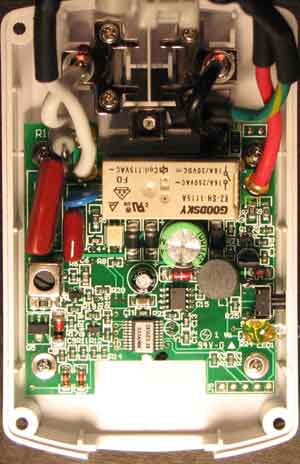
There are some key parts in here that we want to understand.
The Relay
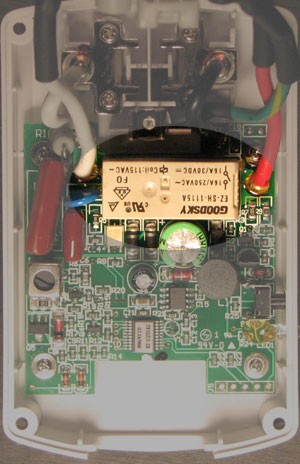
The relay in an Insteon module is what converts the +5V signal from the CPU (a PIC microprocessor) to the 120V that comes out of your wall. In this case the relay is a Goodsky. You can see that it is rated at 16 Amps when used with 250 Volts AC, or 16 Amps when used with 30 Volts DC. These are a nice, solid relay.
Jason Bauer is an owner and programmer for Portforward.com. He's allergic to twitter and facebook, but you can find more of his articles in the Guides section.
| |